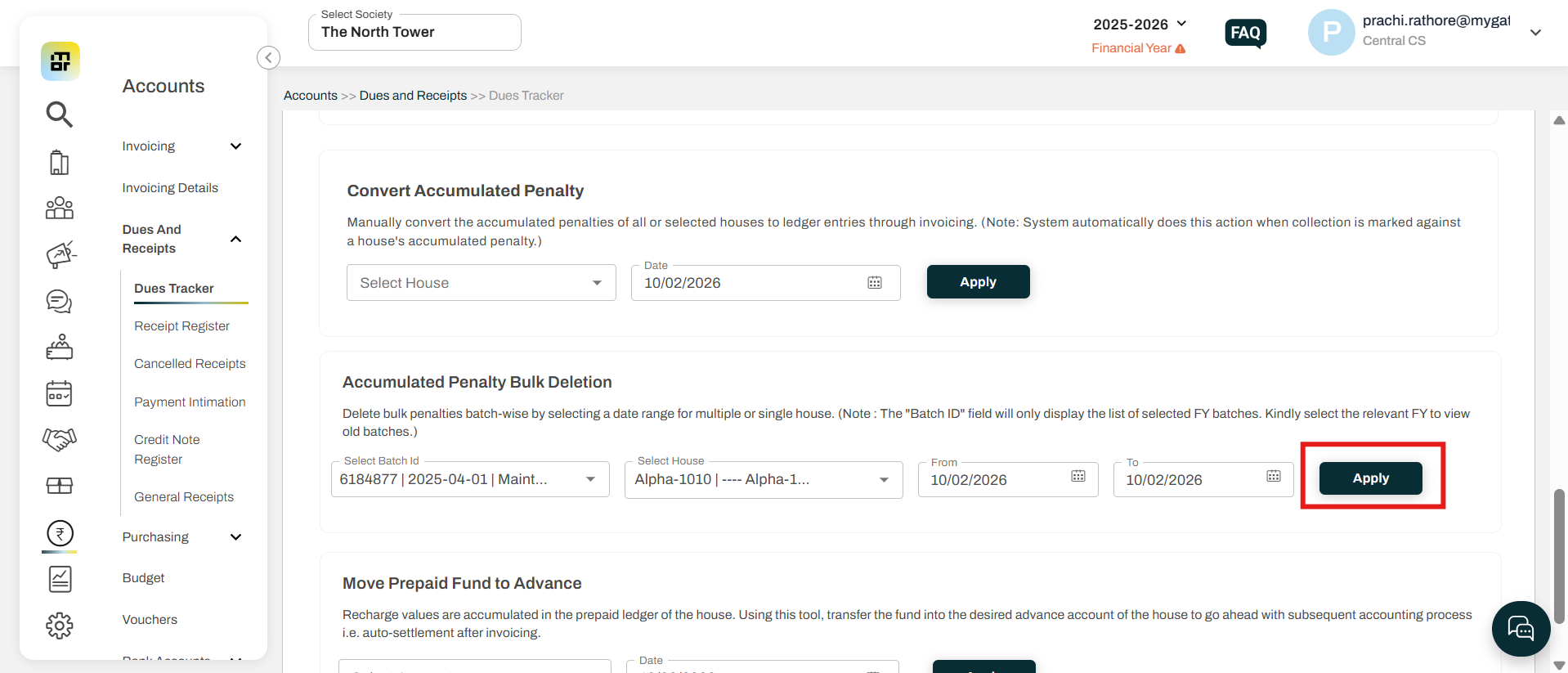
How to delete bulk penalty from an invoice?
In MyGate, society admins have the option to delete penalty amounts applied to flats in bulk. This feature provides flexibility in managing residents’ financial records and helps ensure that any penalties added can be accurately reversed.
Please refer to the steps below to navigate to the required section:
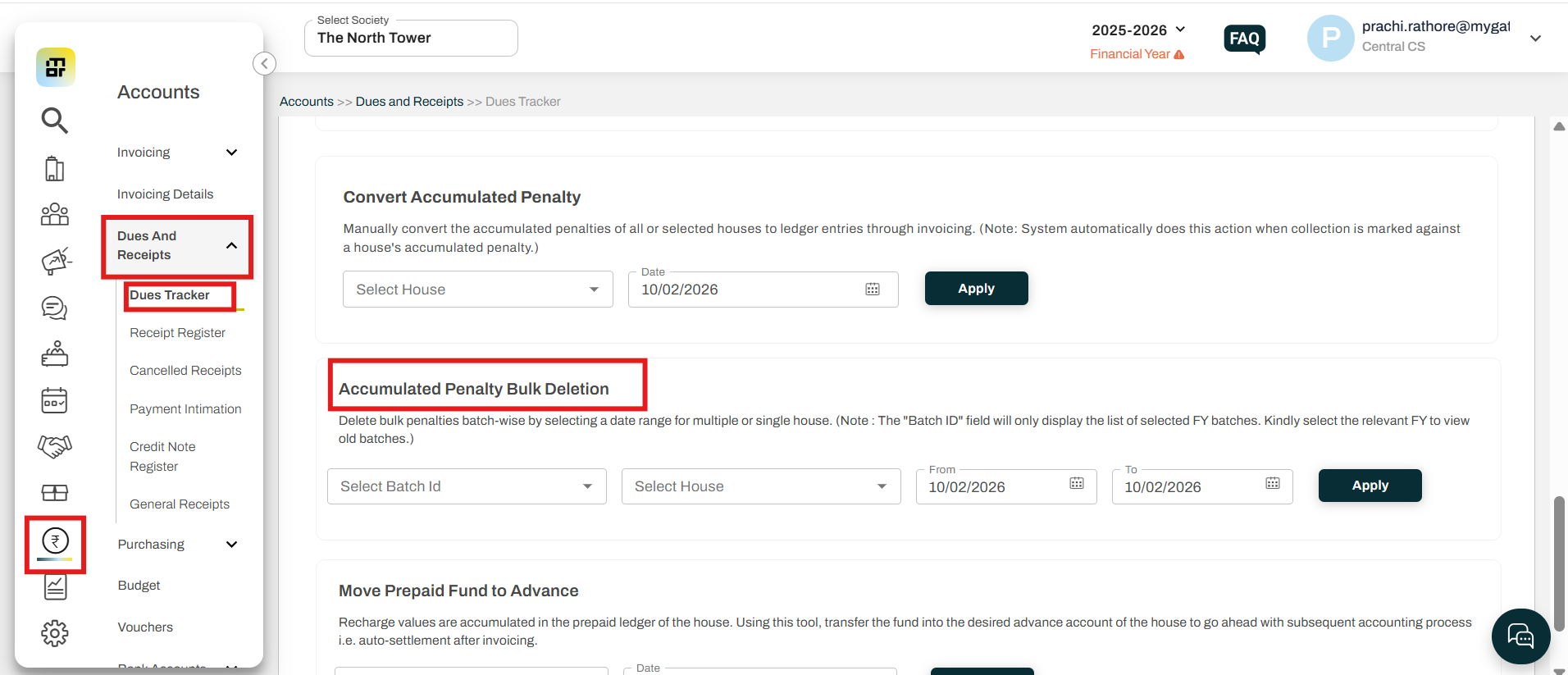
1. Go to "Accounts", click on "Dues tracker", under "Dues receipts".
2. Scroll down to "Accumlated penalty bulk deletion"
Select the batch id, house and dates.
Then click on the "apply" button.