
how to view signage details?
To view the signage or the campaign details in your society, follow the steps below
Log in to the admin dashboard
Click on the mygate Club option and then click on Campaign Approvals
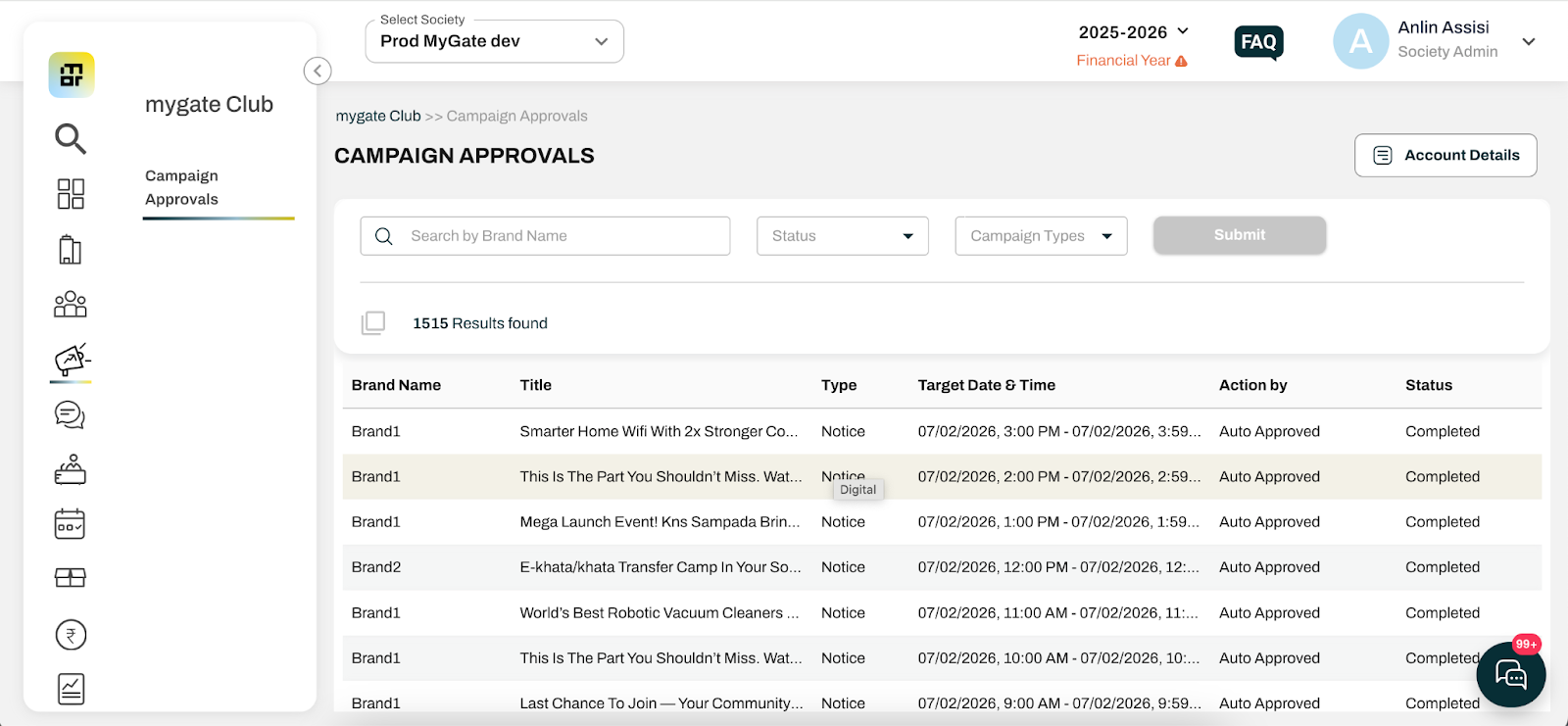
This will show the list and status of campaigns for the society.
You may also update the account details from this page.