
How to reset the password?
To reset the password from the dashboard, admins can follow the steps below
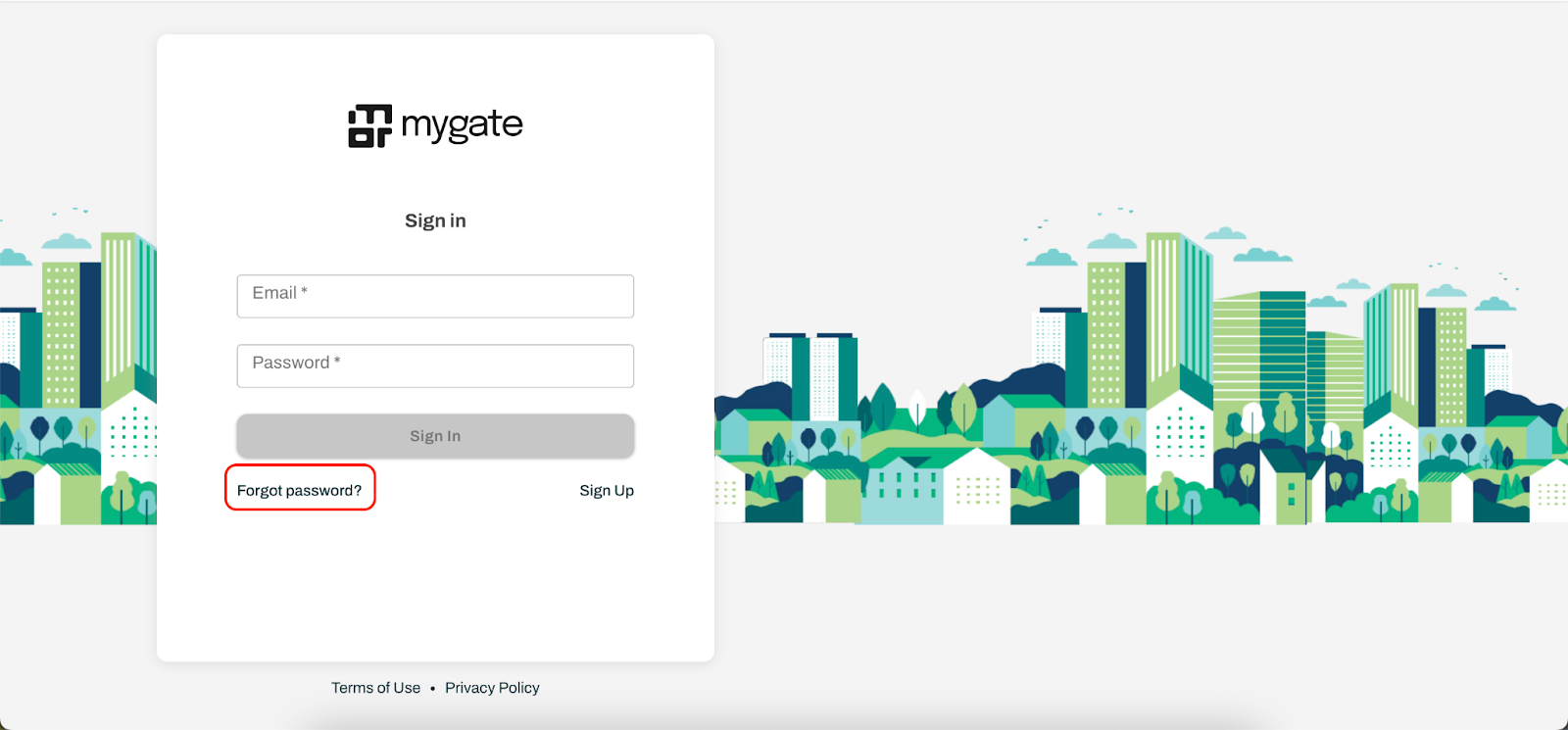
Go to Admin Dashboard login page (dashboard.mygate.com)
Click on the "Forgot Password?" link below the sign-in button
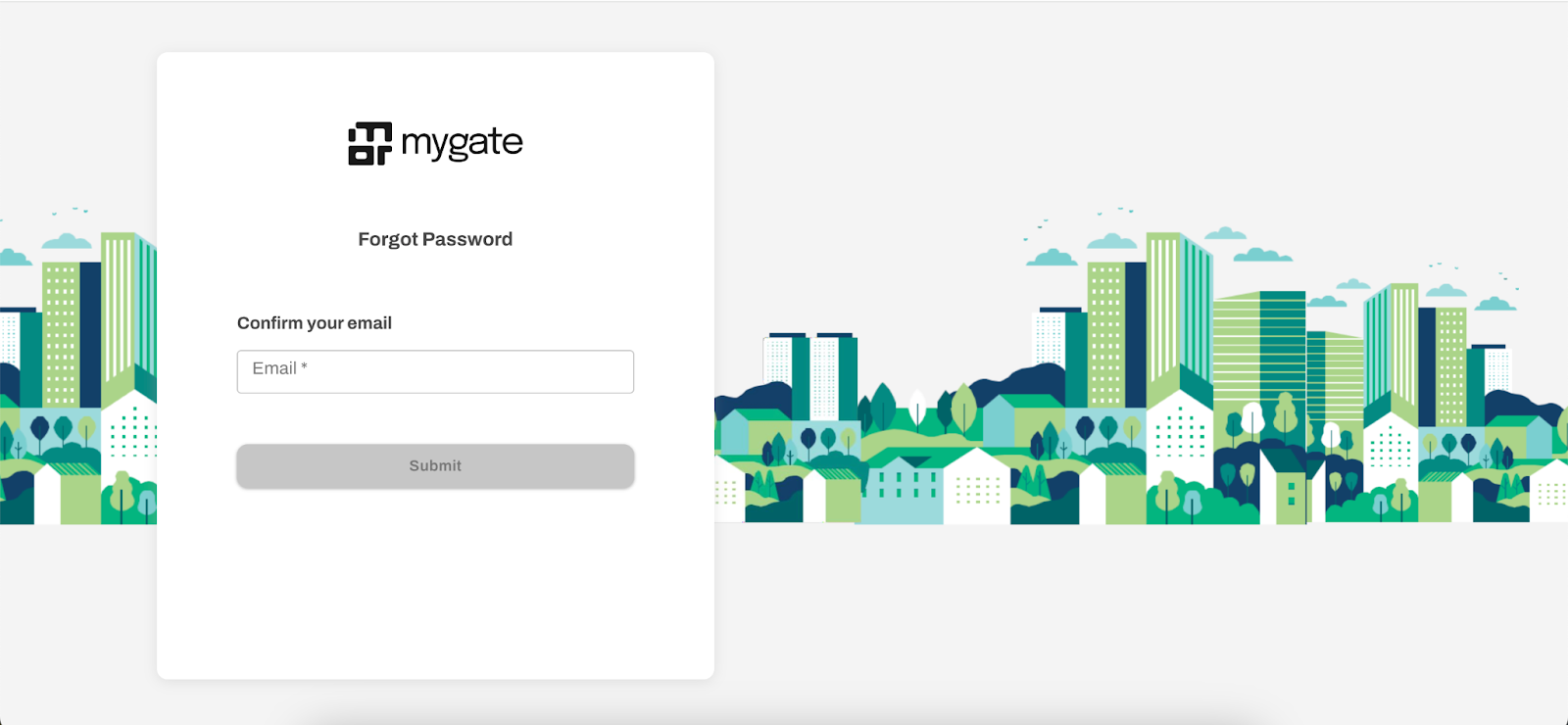
Enter your registered email ID and click on the Submit button
You'll receive a Reset password link at your registered email ID
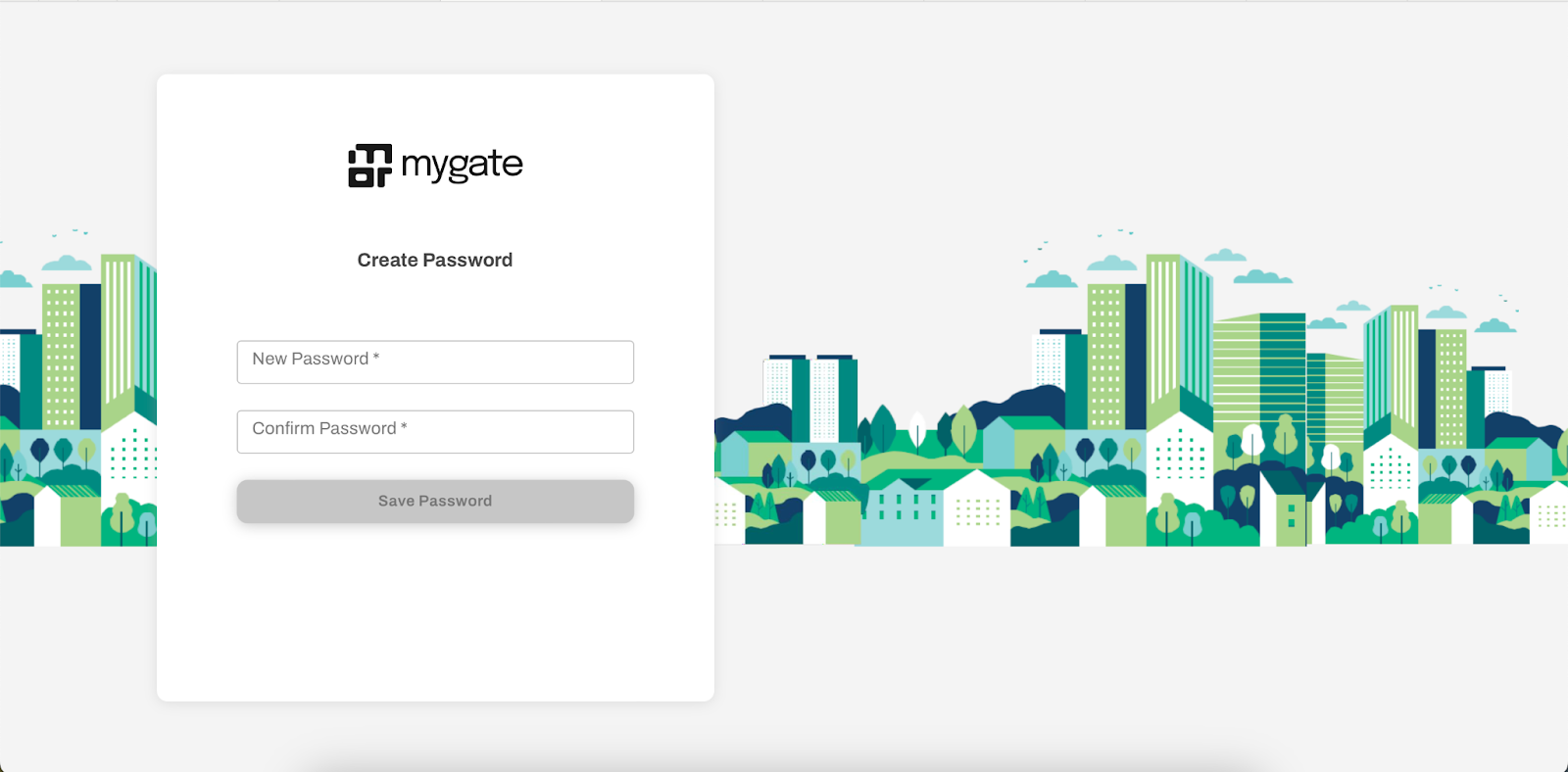
Create a new password and confirm the same
Log in with your new password