
How to import data from Mygate to Tally?
Steps to export data:
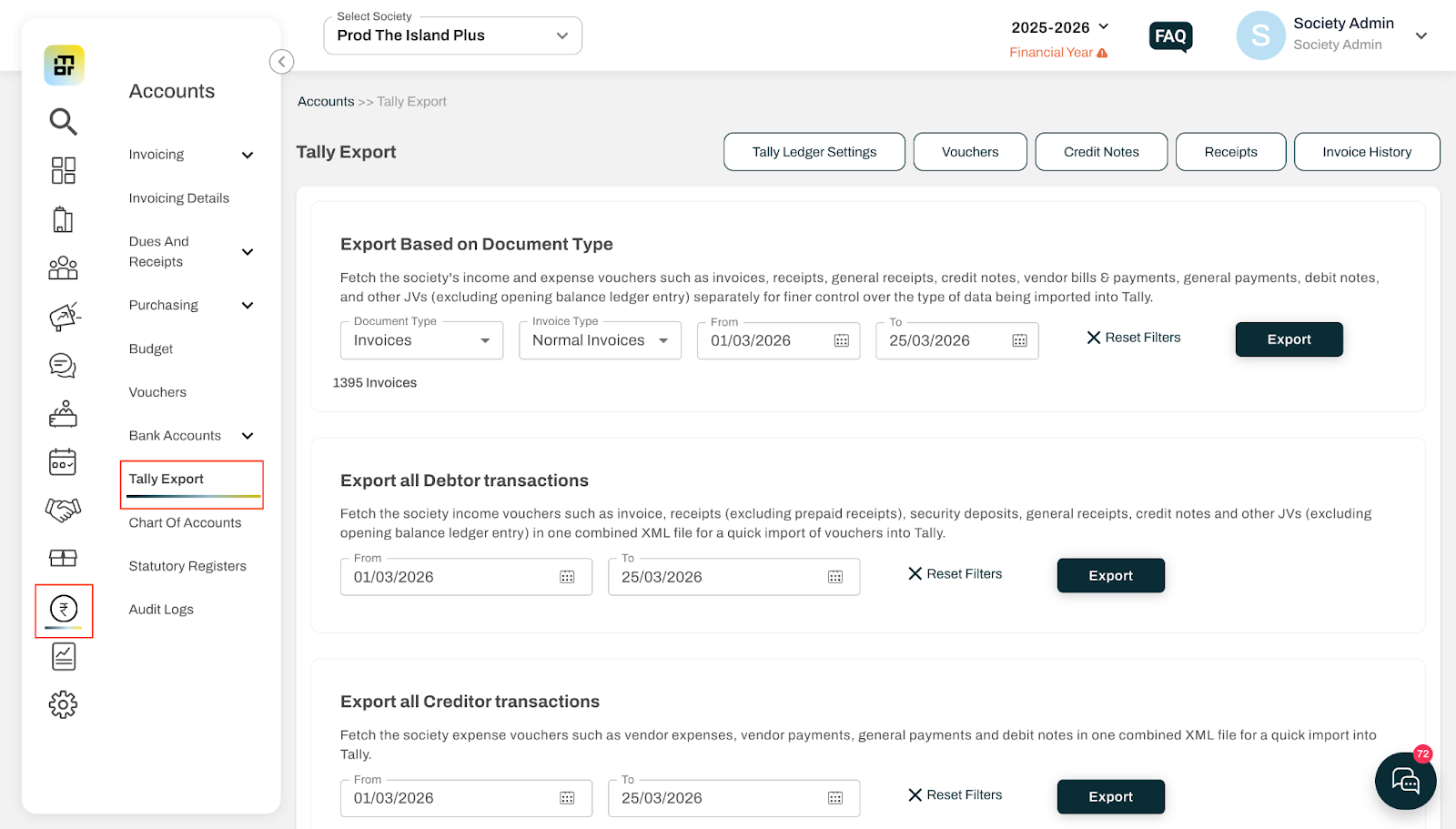
Go to Accounts → Tally Export.
-
You will see three export options:
Export based on Document Type: Fetch the society's income and expense vouchers such as invoices, receipts, general receipts, credit notes, vendor bills & payments, general payments, debit notes, and other JVs (excluding opening balance ledger entry) separately for finer control over the type of data being imported into Tally.
Export All Debtor Transactions: Fetch the society income vouchers such as invoice, receipts (excluding prepaid receipts), security deposits, general receipts, credit notes and other JVs (excluding opening balance ledger entry) in one combined XML file for a quick import of vouchers into Tally.
Export All Creditor Transactions: Fetch the society expense vouchers such as vendor expenses, vendor payments, general payments and debit notes in one combined XML file for a quick import into Tally.
Select the required option.
Choose the date range (From and To dates).
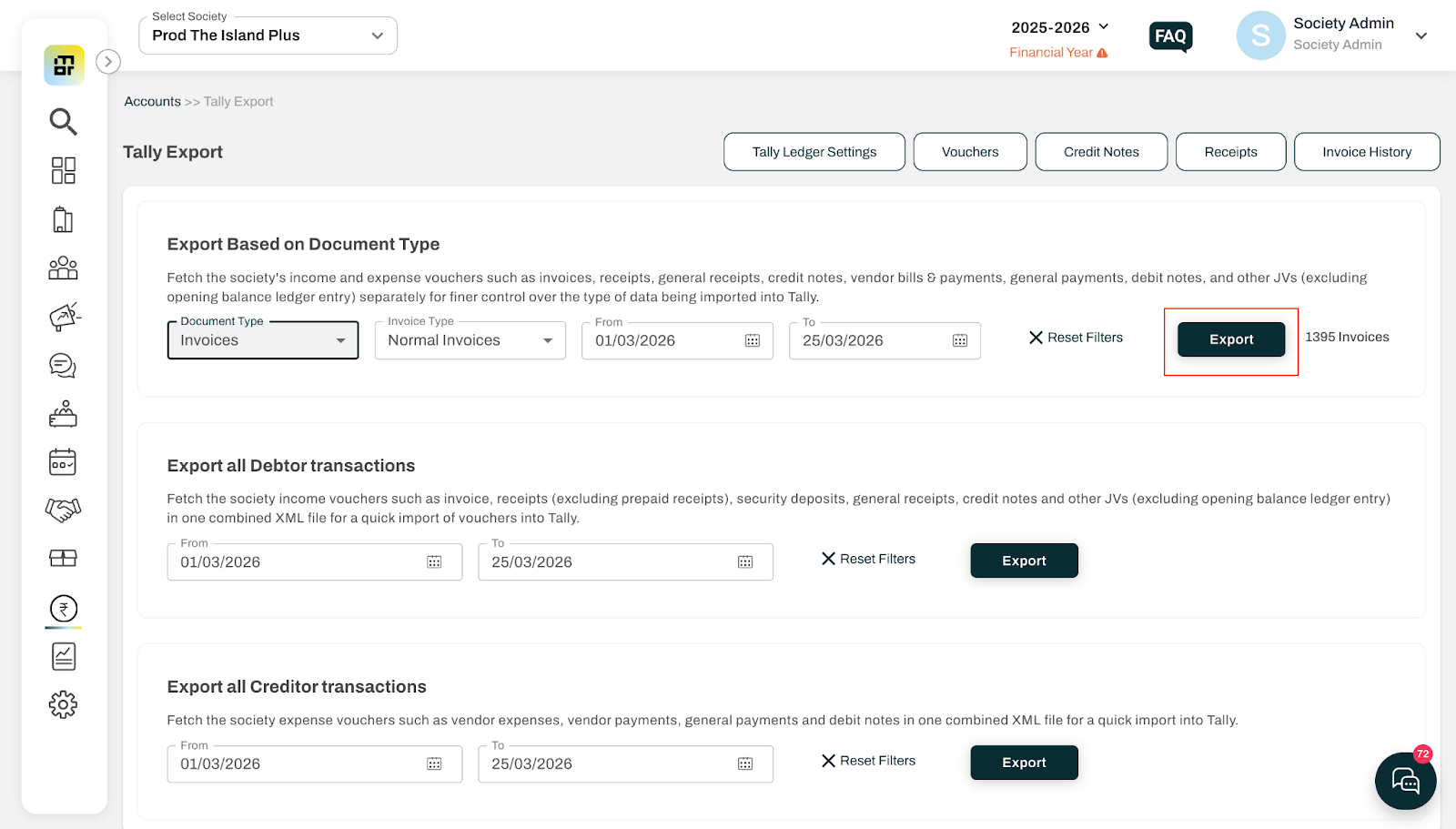
Click on Export.
Output:
An XML file will be generated, which can be directly imported into Tally.