How to delete an admin?
To delete an Admin access, please follow the steps below:
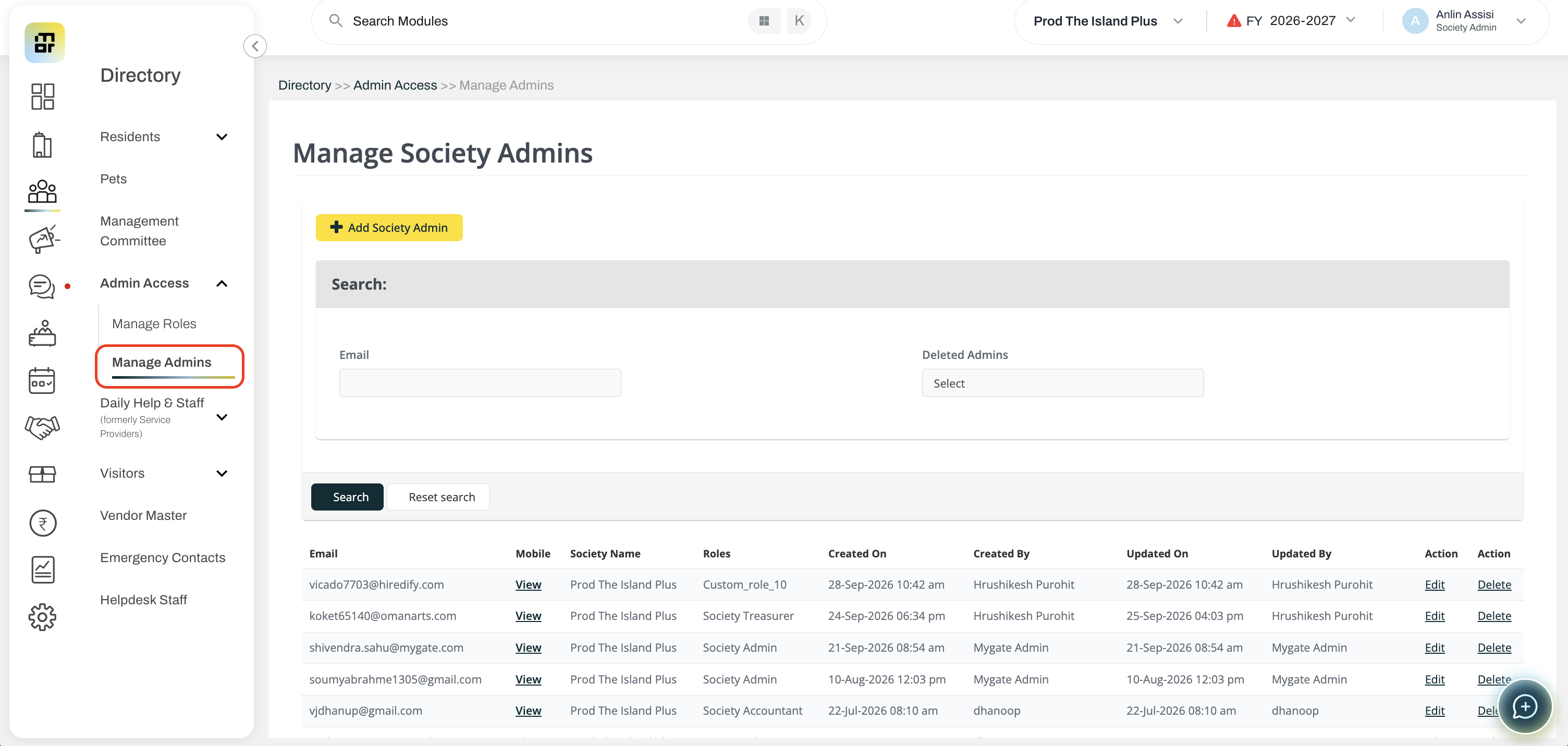
Go to Directory, and select Admin User List under Manage Admins. Click on delete against the Society admin account you want to delete.
To delete an Admin access, please follow the steps below:
Go to Directory, and select Admin User List under Manage Admins. Click on delete against the Society admin account you want to delete.