
What is Asset Maintenance Calendar and how do I create these tasks?
The Maintenance Calendar under Assets in Assets and Inventory module helps facility teams in society to schedule, manage, and track preventive maintenance (PPM) tasks for society assets. These are recurring tasks created for important assets in a society for their long life.
Where can I access the Maintenance Calendar?
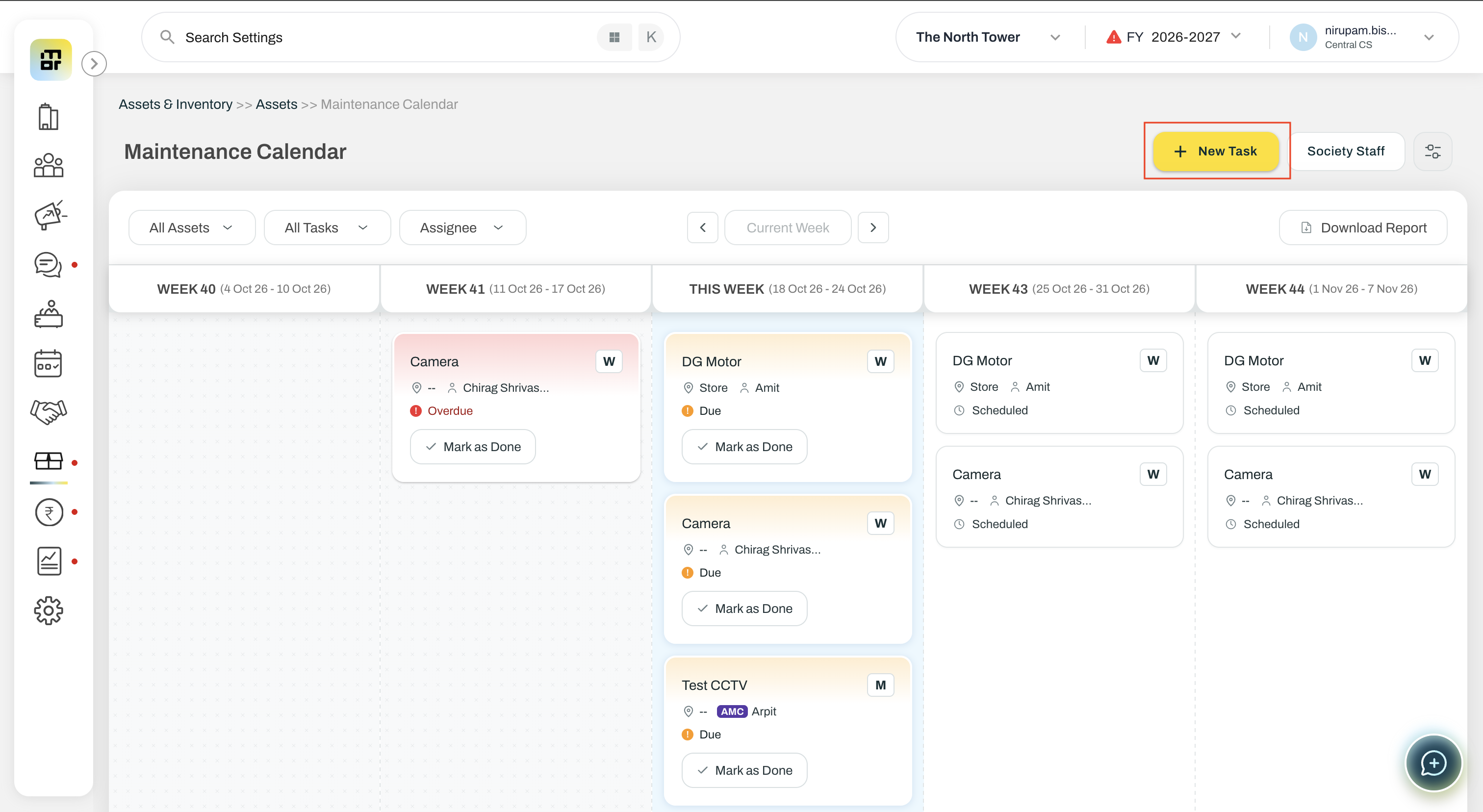
On the admin dashboard go to Assets and Inventory >> Assets >> Maintenance Calendar.
How do I create a PPM Maintenance task?
Go to the Maintenance Calendar under Assets, and click on New Task
Select an asset, enter the task description, start date, assignee, frequency, and task type, and save the task.
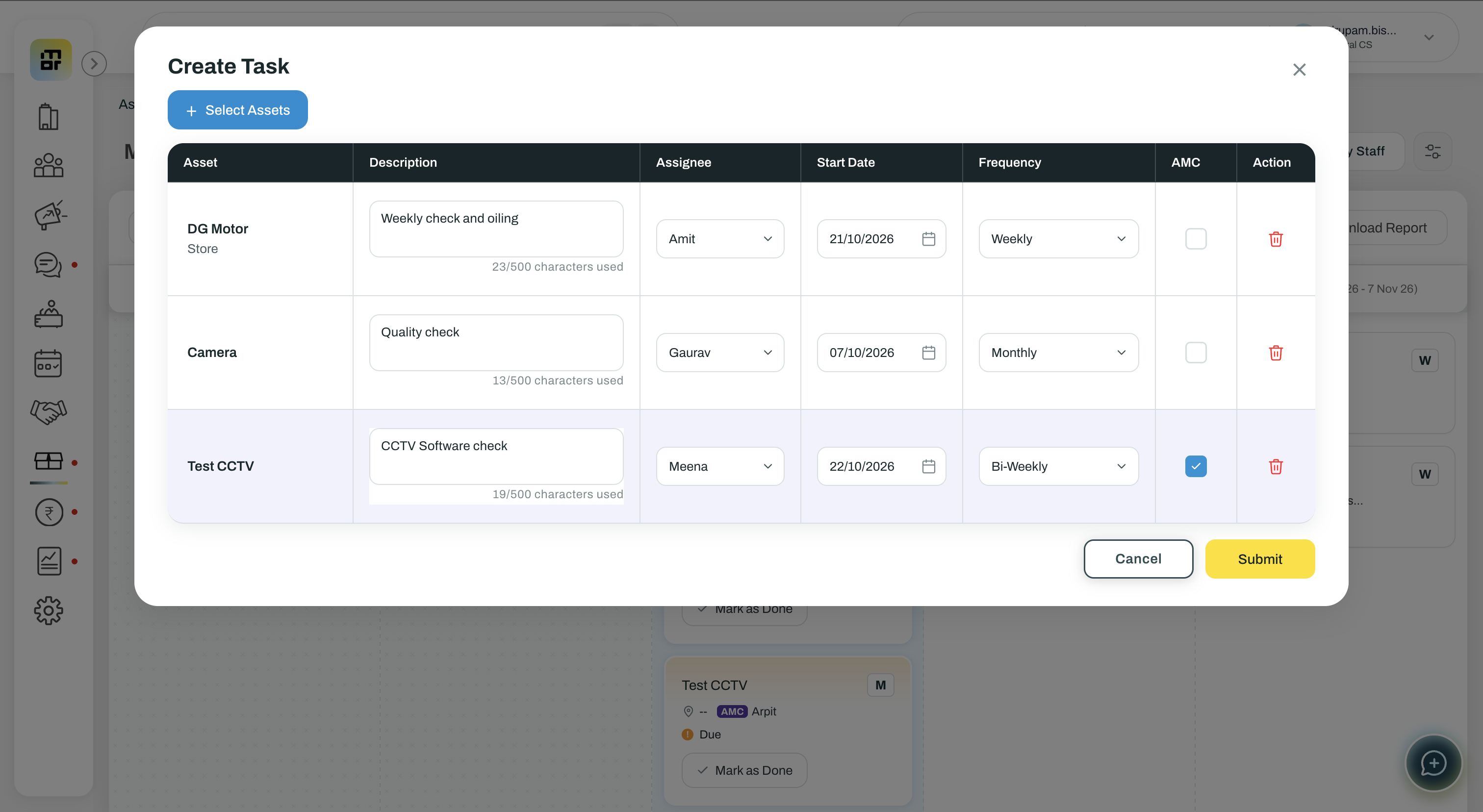
Points to note:
You can select multiple assets and create maintenance tasks for them in a single flow.
The asset name and location are fetched from the Asset Master under Assets.
Assignee is the person responsible for completing the task. Assignee details are fetched from the Society Staff (Key Personnel/Helpdesk Staff) under Directory.
You can set up the frequency to - Weekly, Monthly, Bi-Monthly, Quarterly, Yearly and any Custom frequency
The start date defines the week number for the task.
-
You can tag a particular task as an AMC task by enabling the checkbox.
Can I create a task with a past start date?
Yes. Past, current, and future dates are allowed. The start date of the task defines the week from which the recurring task is created and continued in a recurring manner.
Can multiple tasks be created for the same asset in the same week?
Yes. Multiple tasks can be created for the same asset in a week. A particular asset might need different nature of maintenance completed by different staff member within the internal team.