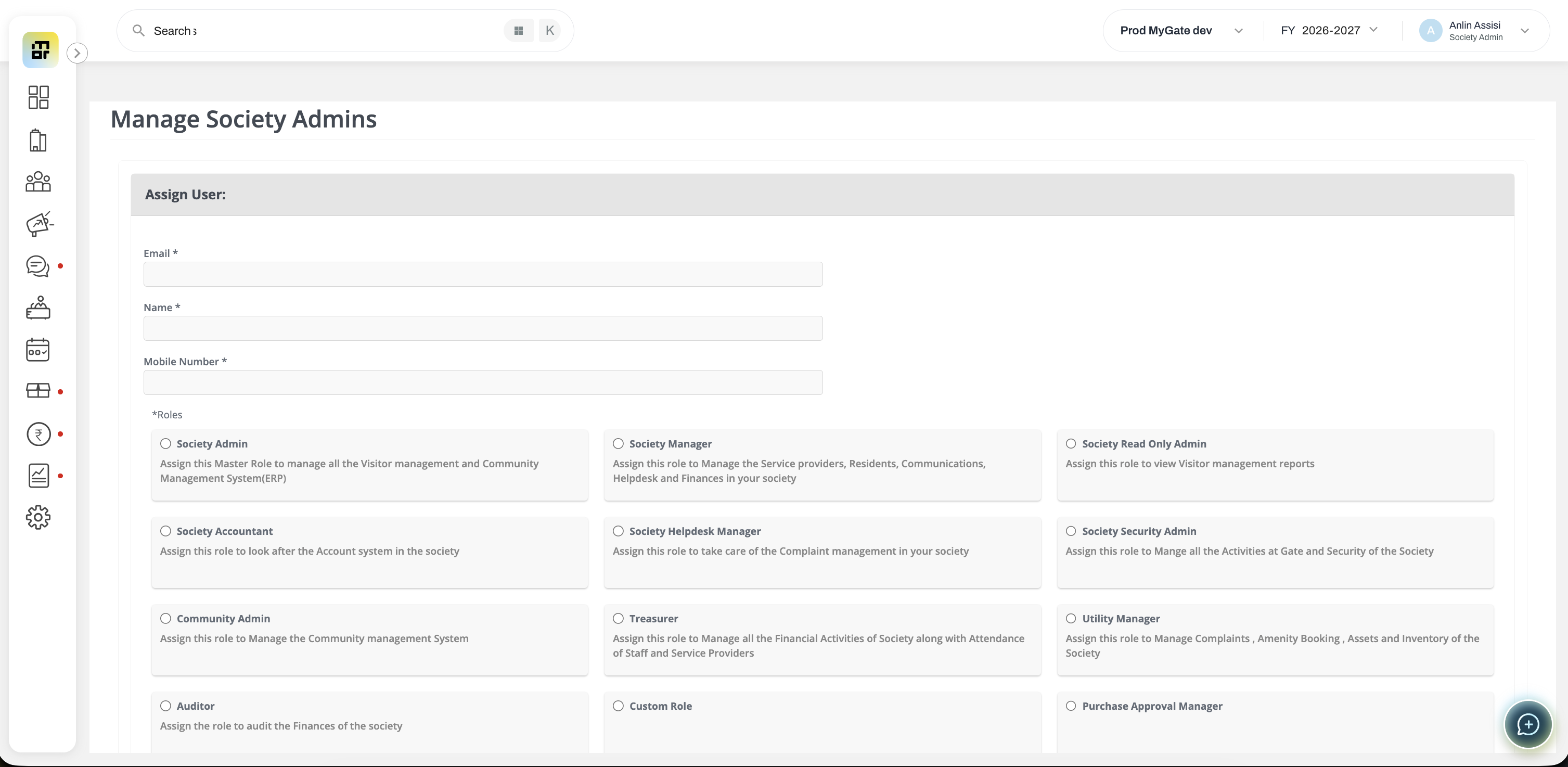
How to create a custom role?
Admins can create custom roles from the dashboard and assign access to each modules based on the role handled by the individual. The custom role admin will have access only to those modules to which access has been provided. Follow the steps below to create a custom role.
Go to the dashboard and Click on Directory from the menu bar. Click on the Admin Access and then Manage Roles
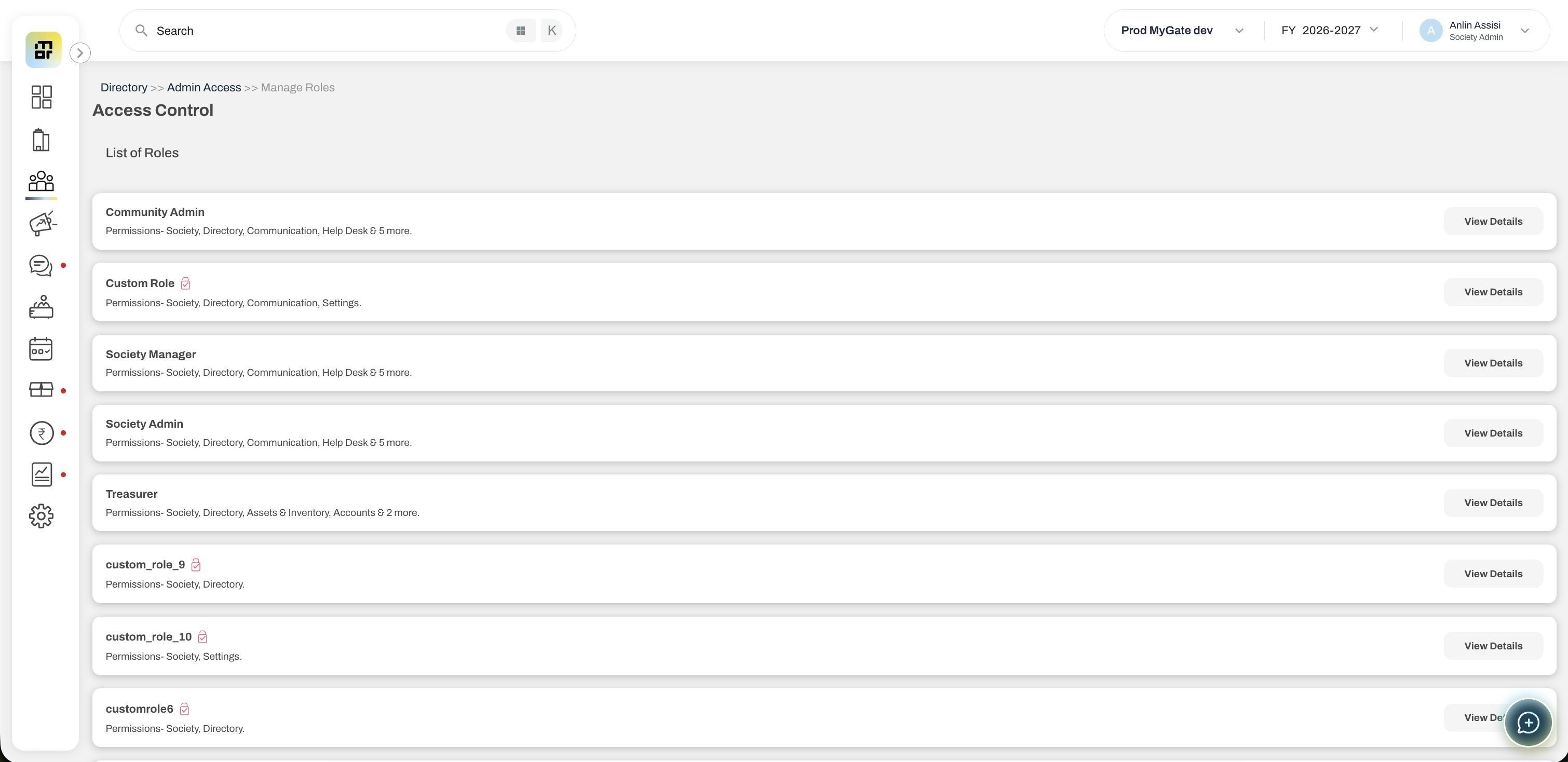
Click on the 'View Details' option against any Custom Role mentioned in this list
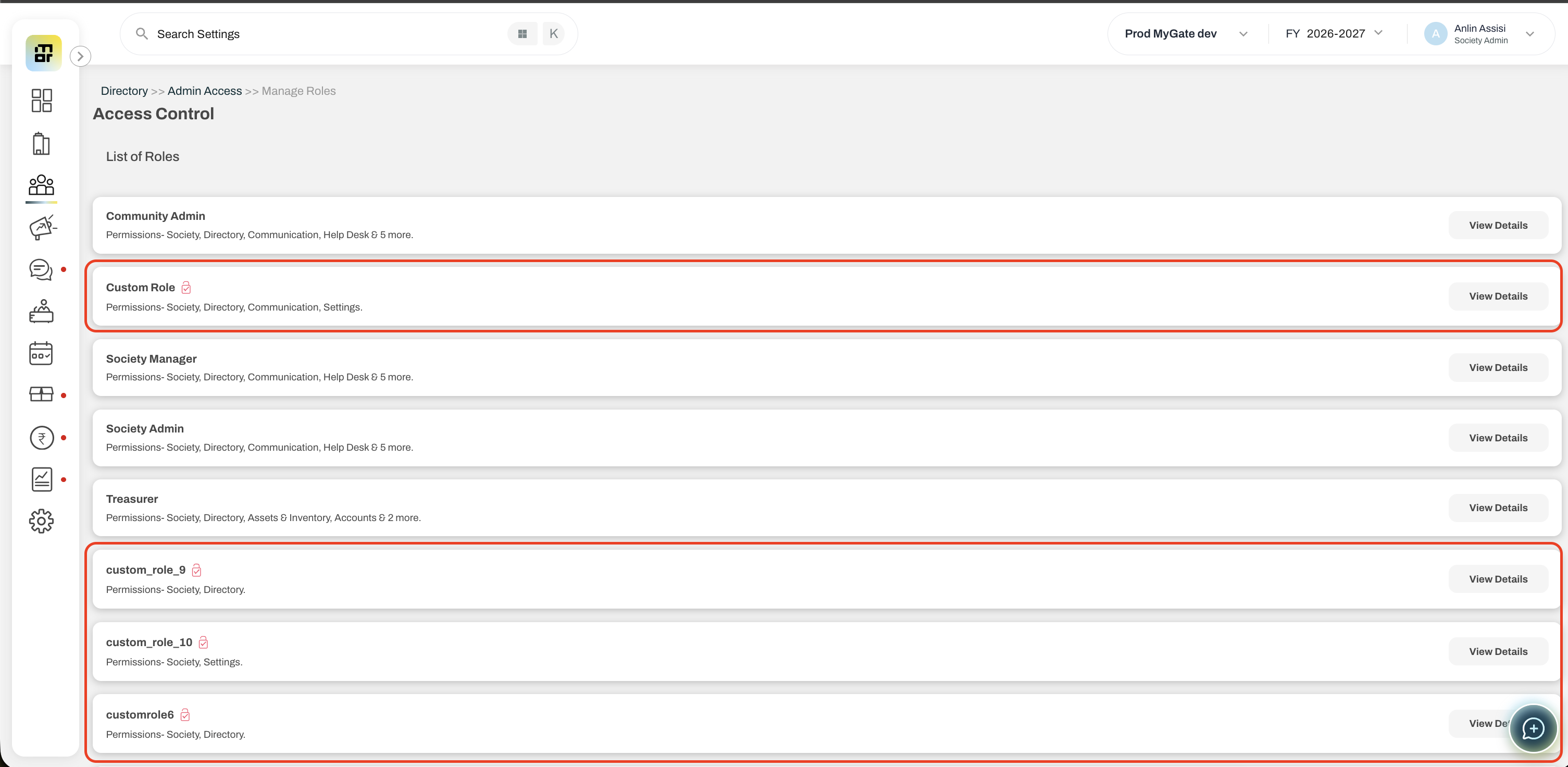
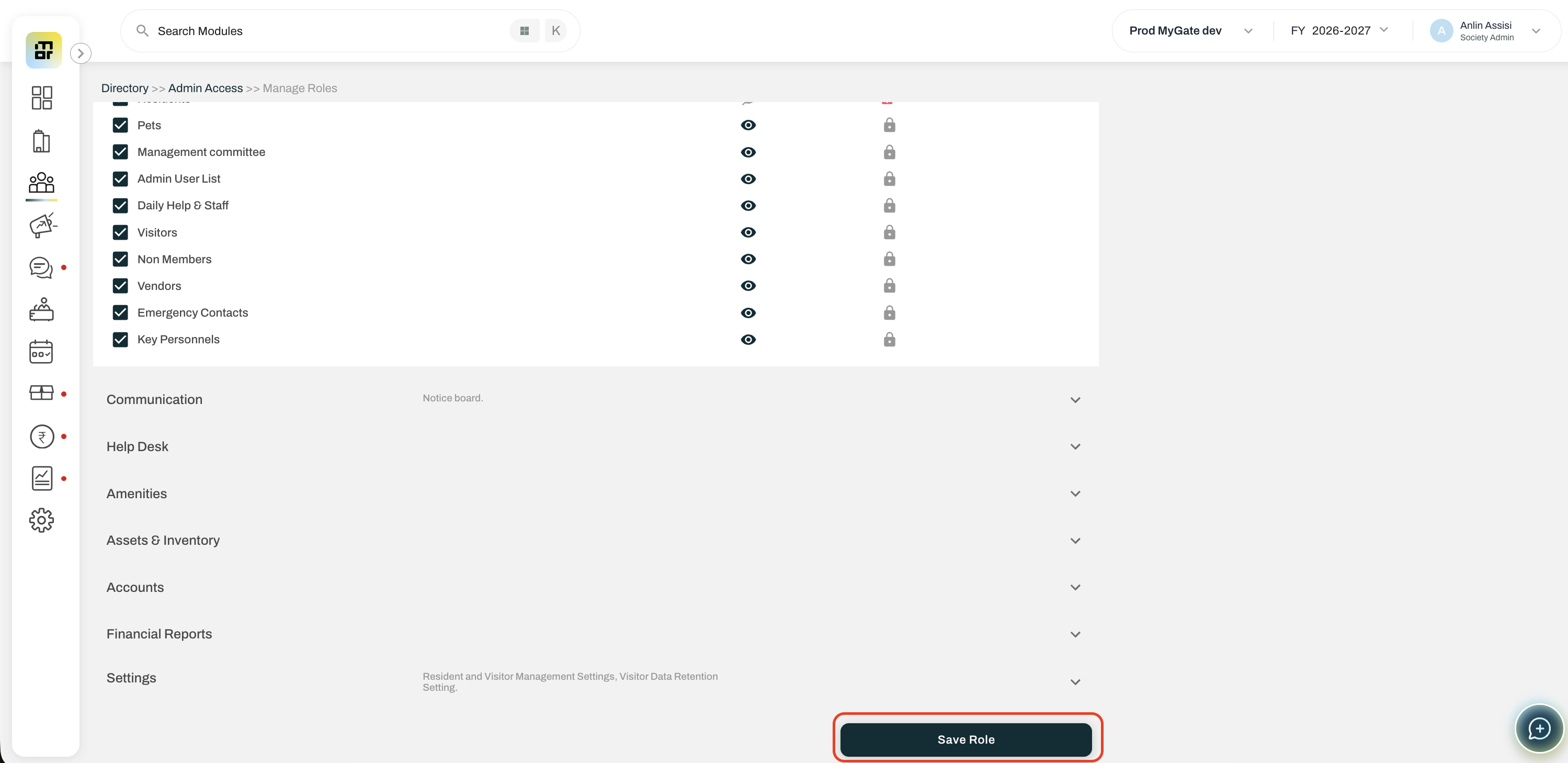
You may change the name of the role by clicking in the name field and also configure the access permissions by clicking against each module.
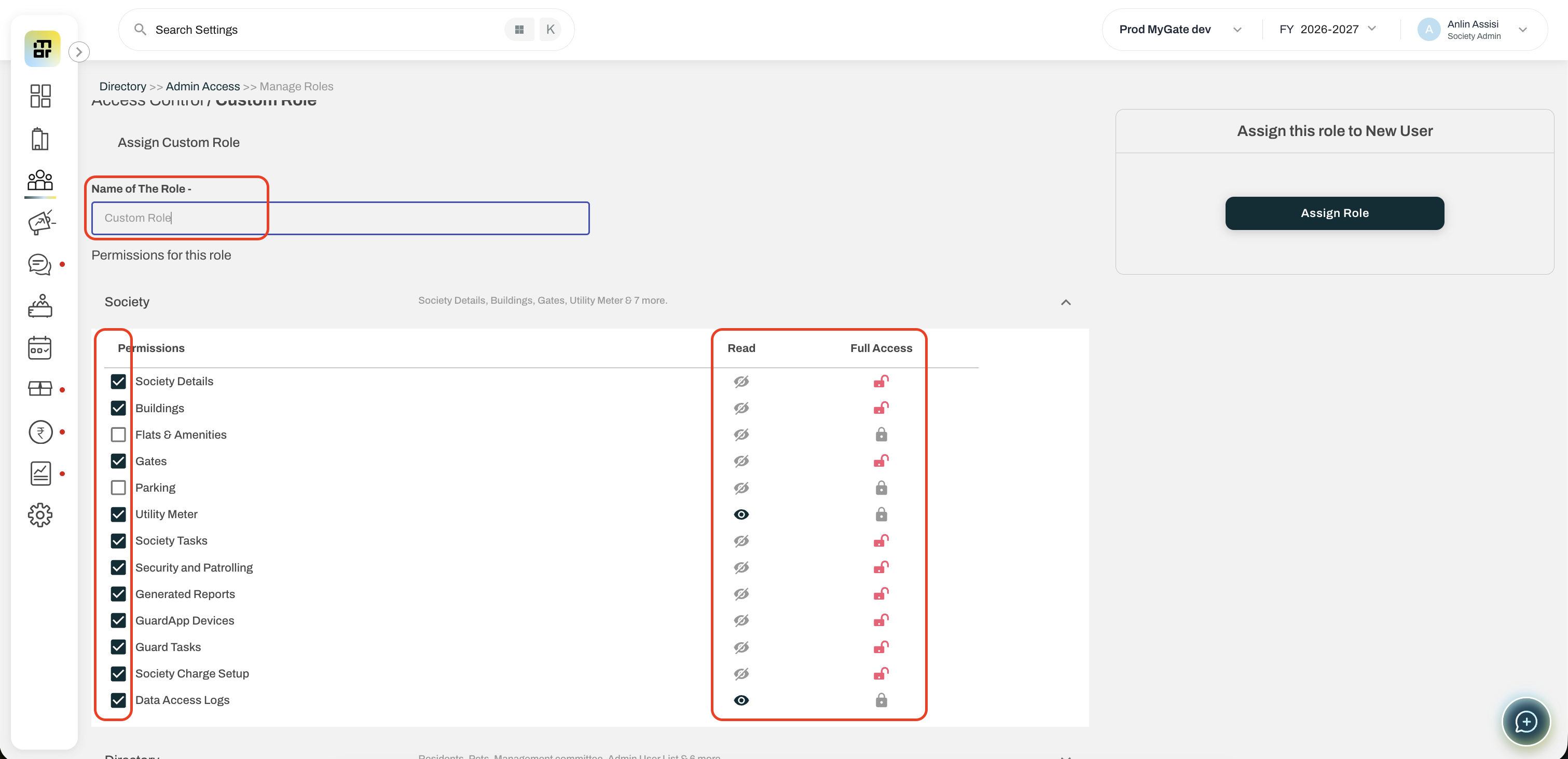
Once configured, scroll to the bottom and click on 'Save Role'
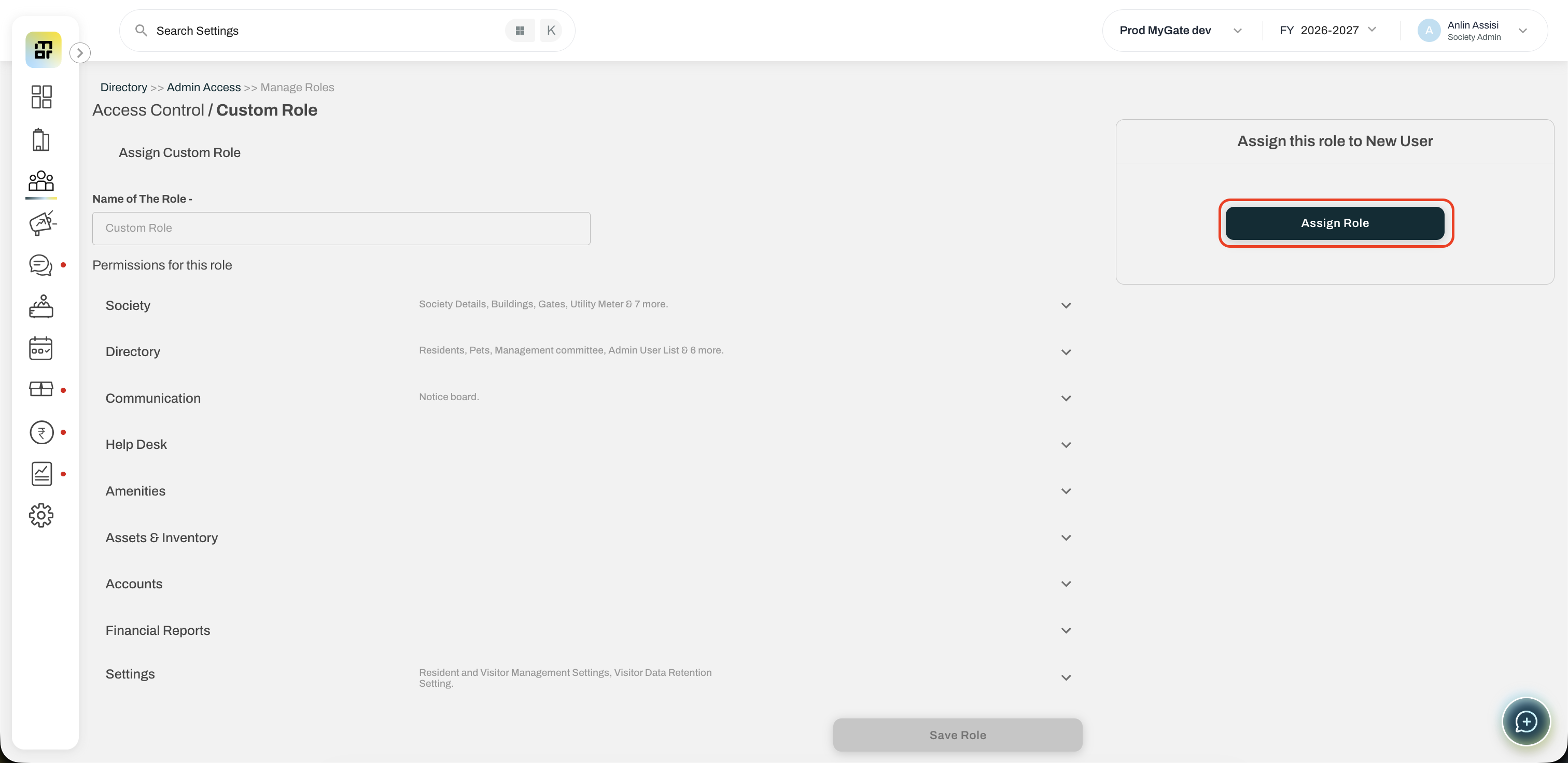
Once the permissions are saved, click on 'Assign Role' and enter the details of the user you would want to assign this role.
Click on Assign once the details have been entered.